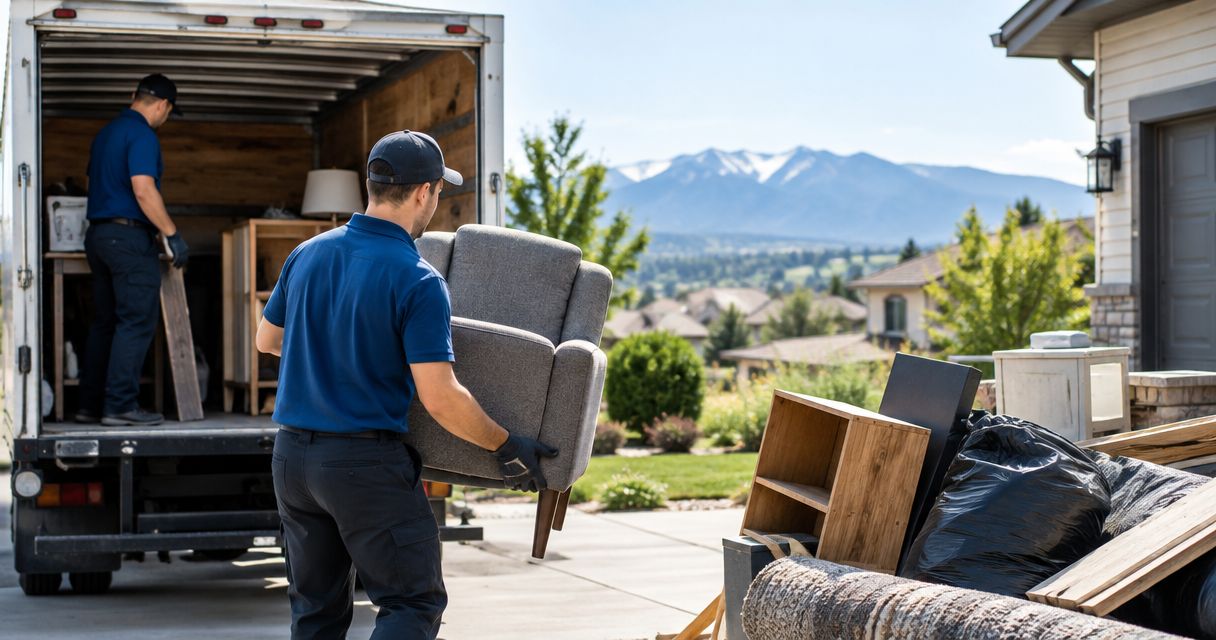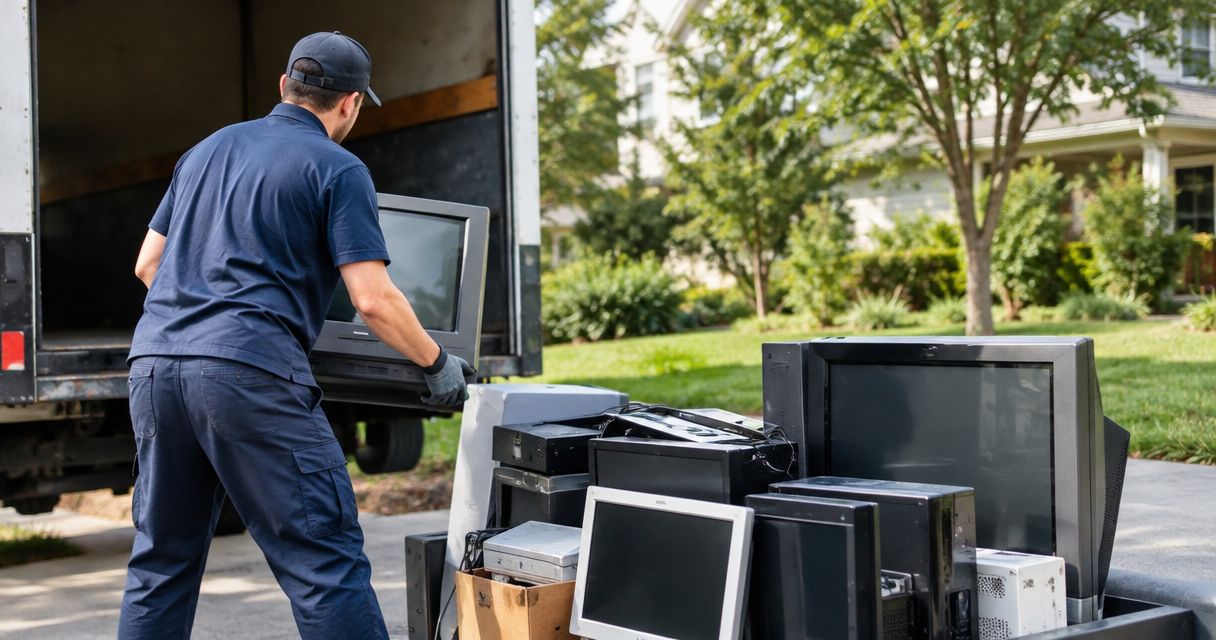
Yes, junk removal can include electronics and old TVs when the hauler accepts the specific equipment and has an appropriate disposal route. Acceptance is not automatic: identify older tube TVs, damaged screens, and battery-powered devices before booking, and handle personal data before anything leaves your property.
- Junk removal electronics and TVs require item-by-item acceptance, not a blanket promise to take every device.
- Idaho Junk Solutions suits Treasure Valley property cleanouts; confirm electronics acceptance before adding devices to the load.
- Erase personal data and separate equipment with damaged batteries from ordinary cleanout items.
- Ask where accepted electronics go; hauling does not establish recycling or certified data destruction.
Can junk removal take electronics and old TVs?
Yes, but get acceptance confirmed before pickup—not after the truck arrives. Give the hauler an equipment list, describe its condition, and explain where it sits. A flat-screen television, a bulky tube television, and a laptop with a swollen battery need different conversations.
Also separate removal from the final destination. The distinction between recycling or donating usable items matters because taking equipment off your property does not, by itself, establish where it goes.
| Equipment | What to disclose | What to resolve before pickup |
|---|---|---|
| Flat-screen TV or monitor | Cracks, loose glass, mounting position | Acceptance and who disconnects or unmounts it |
| Older tube TV or monitor | Deep cabinet, condition, location | Acceptance and an appropriate electronics destination |
| Desktop computer or laptop | Stored data, attached drives, battery condition | Data removal and equipment acceptance |
| Printer or office copier | Size, cartridges, remaining supplies | Acceptance and preparation instructions |
| Phone, tablet, or small device | Account locks, stored data, battery damage | Data removal and any separate battery requirements |
Why this matters
An electronics pickup is not finished just because the room looks empty. You still need to protect personal information, avoid broken glass or battery hazards, and establish an acceptable destination for the equipment.
For a 2026 cleanout in Boise, Meridian, Nampa, or Caldwell, settle those questions while planning the rest of the job. That keeps a forgotten office closet or garage TV from becoming an unresolved item at the property handoff.
Flat-screen TVs: disclose damage and mounting first
Tell the hauler whether the television stands on furniture or hangs on a wall. Carrying away a disconnected television is a different scope from removing a bracket, dealing with concealed wiring, or repairing the wall afterward.
Do not assume those extra tasks are included. Photograph the front, the back if safely accessible, and the route out of the room; leave an unstable or damaged screen where it is until you receive preparation instructions.
Do not break a television to make it fit a smaller space. Broken glass adds a handling hazard without resolving acceptance or disposal. Keep people and pets away from an already shattered screen, and disclose the damage before anyone starts moving items.
For smart TVs, sign out of accounts and follow the manufacturer's reset instructions before pickup. A television used for streaming can retain account information even when it no longer belongs in your living room.
Older tube TVs: identify them before booking
Older cathode-ray tube televisions have a deep cabinet behind the screen rather than a thin panel. CRT glass can contain lead, so these televisions need an appropriate electronics waste route rather than an assumption that they belong with ordinary household debris.
Describe the cabinet, condition, and location when requesting acceptance. A television stored downstairs presents a different carrying task from one beside an accessible doorway, even when both are the same type.
Do not smash, dismantle, or open a tube television. Tell the provider if the cabinet or glass is already broken, and seek appropriate local disposal instructions if the equipment is not accepted.
Computers and office electronics: finish the data work first
Hauling is not data destruction. Unplugging a computer, deleting desktop files, or removing a login password does not establish that its stored information is gone.
Back up what you need, sign out of accounts, and use the manufacturer's supported erase or reset process. For business devices containing customer, employee, financial, or other sensitive records, have your IT contact approve the sanitization method before release.
If a computer will not start, do not treat the failed startup as proof that its drive is unreadable. Arrange qualified data handling separately when needed, and keep unresolved devices out of the outgoing load.
Printers and copiers deserve a check too. Some models store job information; review the device instructions and ask how to prepare cartridges or other consumables instead of assuming everything stays inside.
Why electronics pickup requirements vary
The important differences are equipment type, condition, and destination—not simply whether an item plugs into an outlet. Use these factors to describe your load accurately:
- Equipment type: Identify tube televisions separately from flat screens, computers, and printers.
- Physical condition: Disclose shattered glass, loose parts, leakage, or other visible damage.
- Battery condition: Flag swelling, heat, leakage, or physical damage before handling a battery-powered device.
- Data responsibility: State whether devices have been cleared or still need IT approval.
- Removal scope: Explain wall mounts, connected equipment, stairs, and the carrying route.
- Receiving requirements: Confirm that the planned recycler, donation recipient, or other destination accepts the equipment.
Do not mix unidentified devices into bags of ordinary junk. An item list and clear photos give the provider something concrete to assess before the appointment.
How should you prepare electronics for pickup?
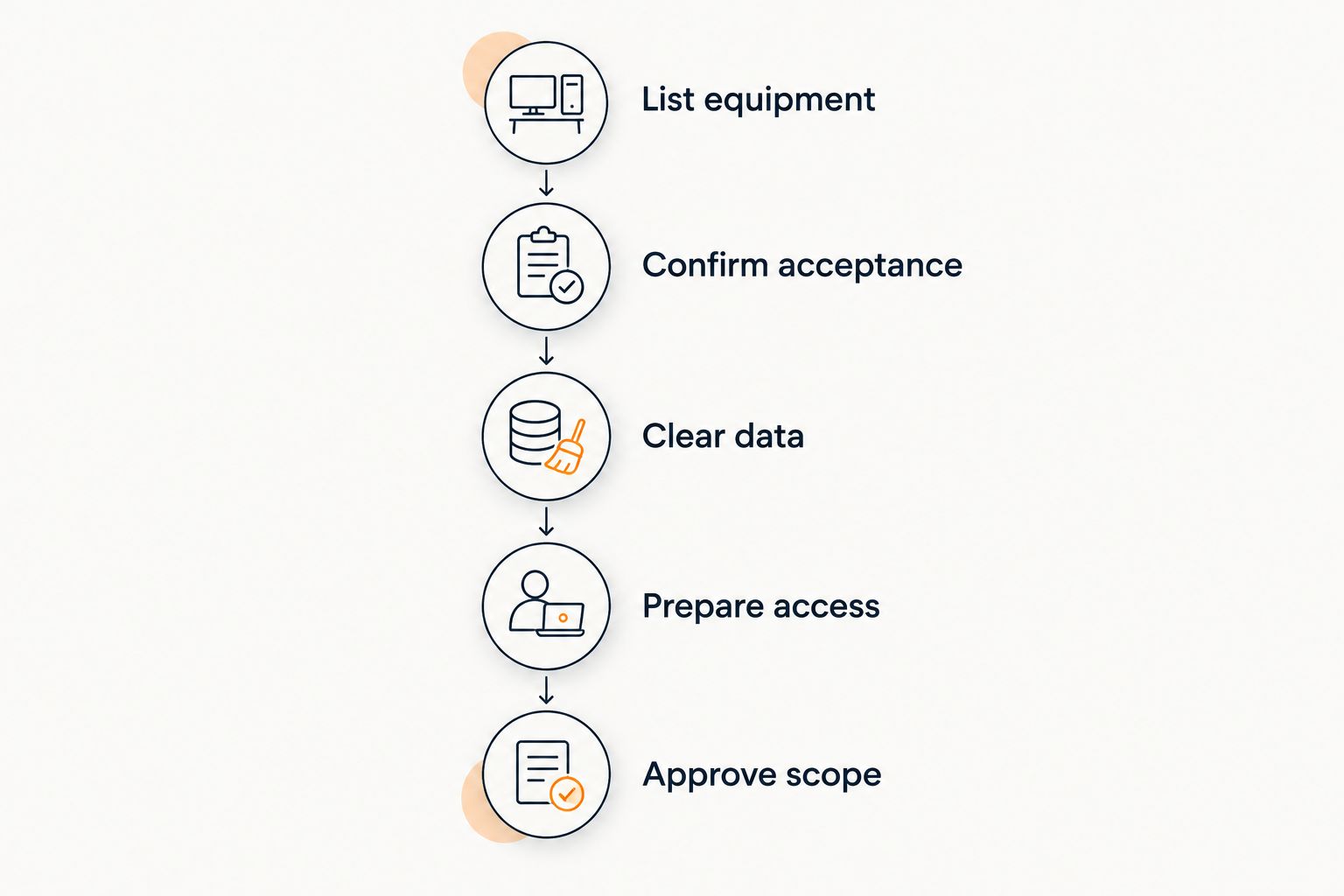
Use this sequence for a 2026 household or business cleanout. It separates your keep decisions from the hauling work and leaves fewer questions for pickup day.
- List equipment. Write down what is leaving, including screens, computers, printers, cords, and accessories. Identify tube TVs and damaged devices separately.
- Confirm acceptance. Send the list and photos before booking. Ask which items are accepted and whether any need a different disposal arrangement.
- Clear data. Back up needed files, remove accounts, and complete the appropriate erase process. Hold back anything still awaiting approval.
- Prepare access. Clear the walking route without attempting a difficult lift yourself. Confirm who handles mounts, connections, or other work beyond carrying.
- Approve scope. Walk through the accepted items and the rest of the cleanout before loading begins. Mark anything that must stay.
Keep cords with the equipment they belong to when practical, but do not reconnect a damaged device just to test it. If moving something requires opening a case, disturbing a damaged battery, or lifting beyond your ability, stop and explain the situation instead.
Which removal route fits your electronics?
Choose the destination before choosing the ride. A working television intended for reuse, a failed computer containing business records, and mixed furniture with accepted electronics do not present the same job.
| Route | Best for | Advantage | Limitation |
|---|---|---|---|
| Junk removal | Accepted electronics within a larger cleanout | Combines carrying and hauling with other approved items | Acceptance and final destination still require confirmation |
| Dedicated electronics recycler | Equipment requiring an electronics-specific destination | Lets you resolve equipment acceptance directly | Transport and preparation requirements vary by recipient |
| Donation or direct reuse | Working equipment a recipient has agreed to accept | Keeps usable equipment in service | Condition, compatibility, and recipient acceptance matter |
| Data-destruction provider | Devices requiring documented data handling | Addresses the information risk separately | Does not automatically cover the rest of a property cleanout |
Do not leave a television at a donation site without approval. A usable device still needs a willing recipient, and a broken screen is not made suitable for donation by leaving its remote beside it.
For 2026 planning, ask current acceptance questions directly rather than relying on an old list or a past pickup. Your previous experience with a different device does not confirm the next one.
What changes during an office or rental cleanout?
An office cleanout needs an ownership decision before a hauling decision. Separate company-owned equipment from leased copiers, employee devices, retained assets, and anything awaiting an IT review.
Planning electronics recycling during office cleanouts alongside furniture removal keeps equipment acceptance, data clearance, and the lease handoff in the same schedule. An empty office is not a completed handoff if a leased device was removed without authorization or a computer left before its records were cleared.
For a 2026 office move, assign someone to approve the outgoing electronics list. Give the hauling crew a clear boundary between approved items and equipment that stays; do not rely on every person present knowing the plan.
Property managers face a related issue with devices left in a rental. Confirm that you have authority to dispose of the property before scheduling removal, and keep the equipment inventory with the turnover records. Do not access a former occupant's files to decide whether a device has value.
How does load pricing apply to a mixed cleanout?
Idaho Junk Solutions offers load-priced junk removal and full property cleanouts, with pricing confirmed before work starts. Idaho Junk Solutions is best for Treasure Valley customers who need a property cleanout, not just transportation for a single device. Confirm each electronic item's acceptance before including it in that scope.
The company's load-size guidance uses a 14-cubic-yard trailer, but trailer volume does not establish whether a particular television or battery-powered device is accepted. Treat the load estimate and the electronics check as separate questions.
Describe the whole job: furniture, shelving, household junk, and the electronics you want assessed. Use the pricing information to frame that conversation, then confirm the actual scope before loading starts.
The benefit is one coordinated plan for accepted cleanout items. The limit is equally important: property cleanout service does not establish electronics recycling, certified data destruction, or hazardous-material handling.
Idaho Junk Solutions provides one-hour arrival windows with ETA updates. Prepare around the confirmed window, keep the agreed carrying route clear, and report changes to the item list before arrival rather than adding unreviewed devices at the door.
Plan your cleanout before pickup
Describe the full load and identify electronics so acceptance and scope are clear before work starts.
What should you do with damaged batteries?
Do not place a swollen, leaking, hot, or visibly damaged battery-powered device in an ordinary junk pile. Stop using or charging it, avoid crushing or puncturing it, and obtain appropriate instructions from the manufacturer or local hazardous-waste authority.
Idaho Junk Solutions does not offer hazardous-material removal, handling, or disposal. Do not interpret a general cleanout booking as acceptance of damaged batteries or other hazardous materials.
If a device is smoking or presents an immediate fire danger, move people away and contact emergency services. Do not try to solve an active safety problem by carrying the device to a pickup area.
FAQ
Can junk removal take a broken flat-screen TV?
A broken flat-screen TV requires the hauler's acceptance before pickup. Describe cracked glass, loose parts, and its location; do not break it further to reduce its size.
Can an old tube TV go with regular household junk?
Do not assume an old tube TV belongs with regular household junk. CRT glass can contain lead, so confirm an appropriate electronics destination and the hauler's acceptance first.
Do I need to erase my computer before junk removal?
Yes, resolve stored data before releasing a computer for removal. Back up needed files and use an appropriate sanitization process; a failed computer can still contain readable information.
Does junk removal include removing a TV from the wall?
Wall-mount removal is a separate scope question, not something to assume is included. Confirm who disconnects the television, removes the bracket, and handles any wall repair.
Will donated electronics always be accepted?
No, donation requires a recipient willing to accept that specific equipment. Confirm condition requirements and acceptance before transporting or leaving it.
Can I put a laptop with a swollen battery in the cleanout pile?
No, keep a laptop with a swollen battery out of an ordinary cleanout pile. Stop using or charging it and obtain appropriate safety and disposal instructions.
Can Idaho Junk Solutions include electronics in a full cleanout?
Confirm each electronic item's acceptance with Idaho Junk Solutions before including it in a full cleanout. Describe the equipment, condition, access, and other items so the agreed scope is clear before work starts.
One last thing
For your 2026 pickup list, add an approval status beside each device: keep, cleared for removal, or hold. A television can be ready to carry while a computer beside it still needs data work.
Do not let an empty-room deadline make the disposal decision for you. Resolve acceptance, ownership, and data first; then the hauling appointment can focus on getting the approved load out without confusion.